Classic UI scanning modes
Scanning multiple barcodes
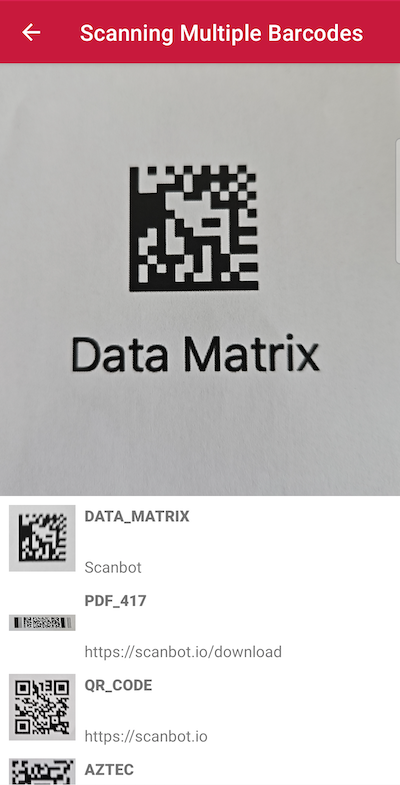
If you need to scan multiple barcodes simultaneously, you can configure the SDK to detect and extract all barcodes visible in the live view. This functionality can be complemented with an AR Overlay for visually highlighting the barcodes in view.
loading...
Scanning tiny barcodes
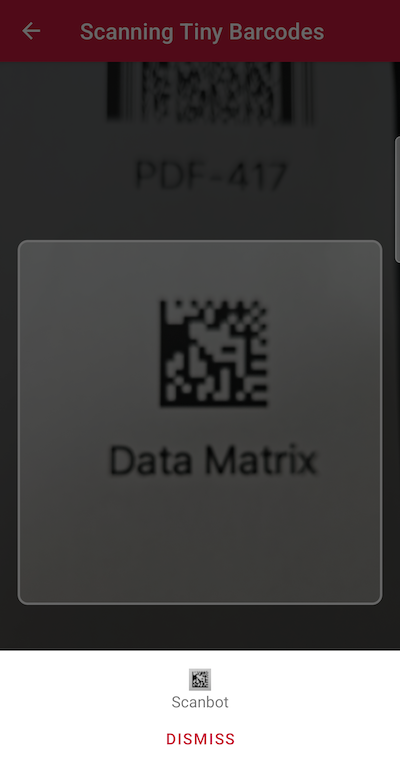
Are you dealing with very small barcodes like those typically found on electrical components? In this case, you can explicitly set a short focus distance for the camera. This adjustment allows the device to be moved very close to the small barcodes without losing focus. This improves the sharpness of the image and the scanning performance.
This setting does not affect any devices that have an "Ultra Wide" camera since the camera switches automatically to the "Ultra Wide" when focusing objects that are near the camera.
loading...
Scanning distant barcodes
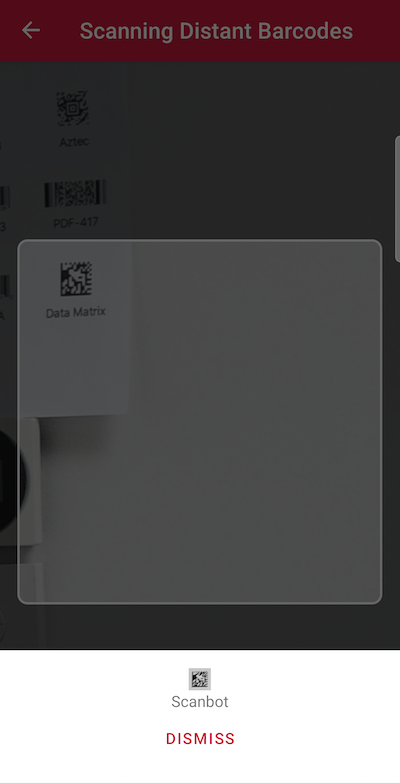
In scenarios where barcodes are positioned in hard-to-reach locations, you can significantly improve the scanning experience by using the camera’s optical zoom functionality. The Scanbot SDK allows you to enable and control both the optical and digital zoom. This ensures a suitable image crop for distant barcodes.
loading...
AR Overlay scanning modes
Providing an extra layer of feedback for the user in the live view is useful for a range of scanning use cases. With the Barcode Scanner SDK's AR Overlay, you can highlight barcodes to provide feedback on scanned barcodes or locate specific items.
Please refer to the AR Overlay section to learn more.
Want to scan longer than one minute?
Generate a free trial license to test the Scanbot SDK thoroughly.
Get free trial licenseScanbot SDK is part of the Apryse SDK product family
A mobile scan is just the start. With Apryse SDKs, you can expand mobile workflows into full cross‑platform document processing. Whether you need to edit PDFs, add secure digital signatures, or use a fast, customizable document viewer and editor, Apryse gives you the tools to build powerful features quickly.
Learn more
