Capacitor Document Scanner SDK
 |  |  |
|---|
Overview
The Capacitor Document Scanner SDK is a powerful and easy-to-integrate software development kit for turning smartphones and tablets into fast and reliable document scanners.
Features include:
-
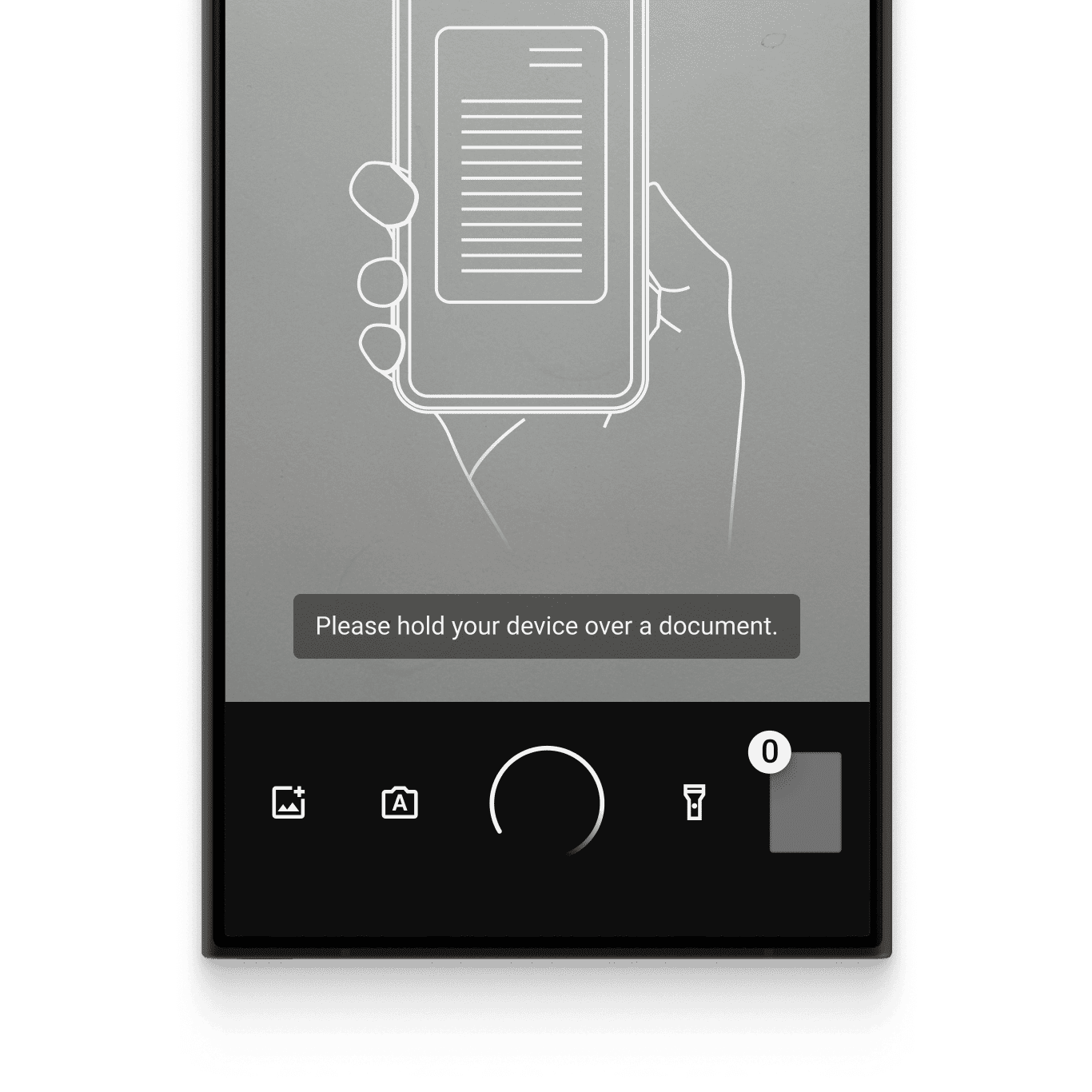
User guidance: Ease of use is crucial for large user bases. The on-screen user guidance helps even non-tech-savvy users create perfect scans.
-
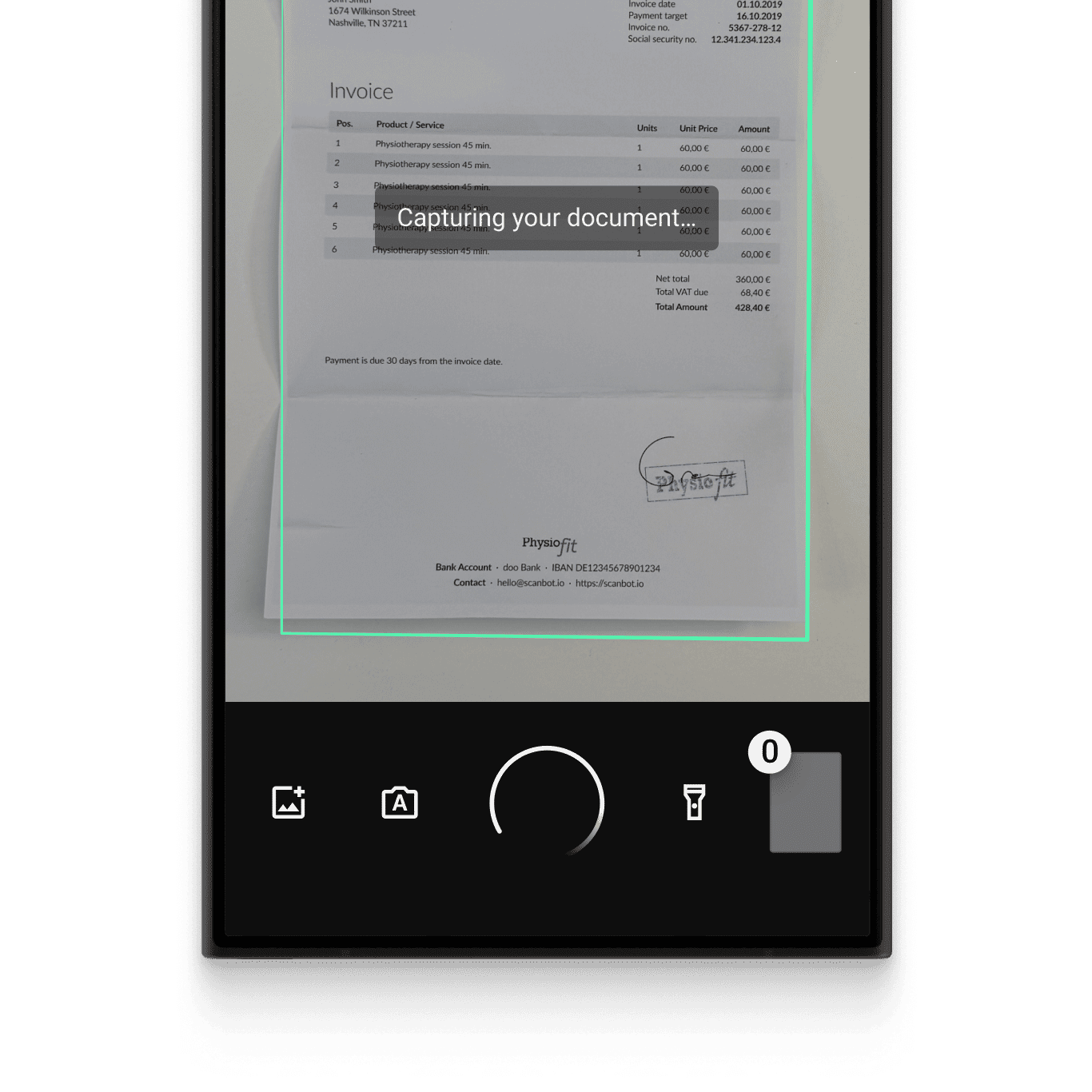
Automatic capture: The SDK automatically captures the document when the device is optimally positioned over the document. This reduces the risk of blurry or incomplete document scans compared to manually triggered captures.
-
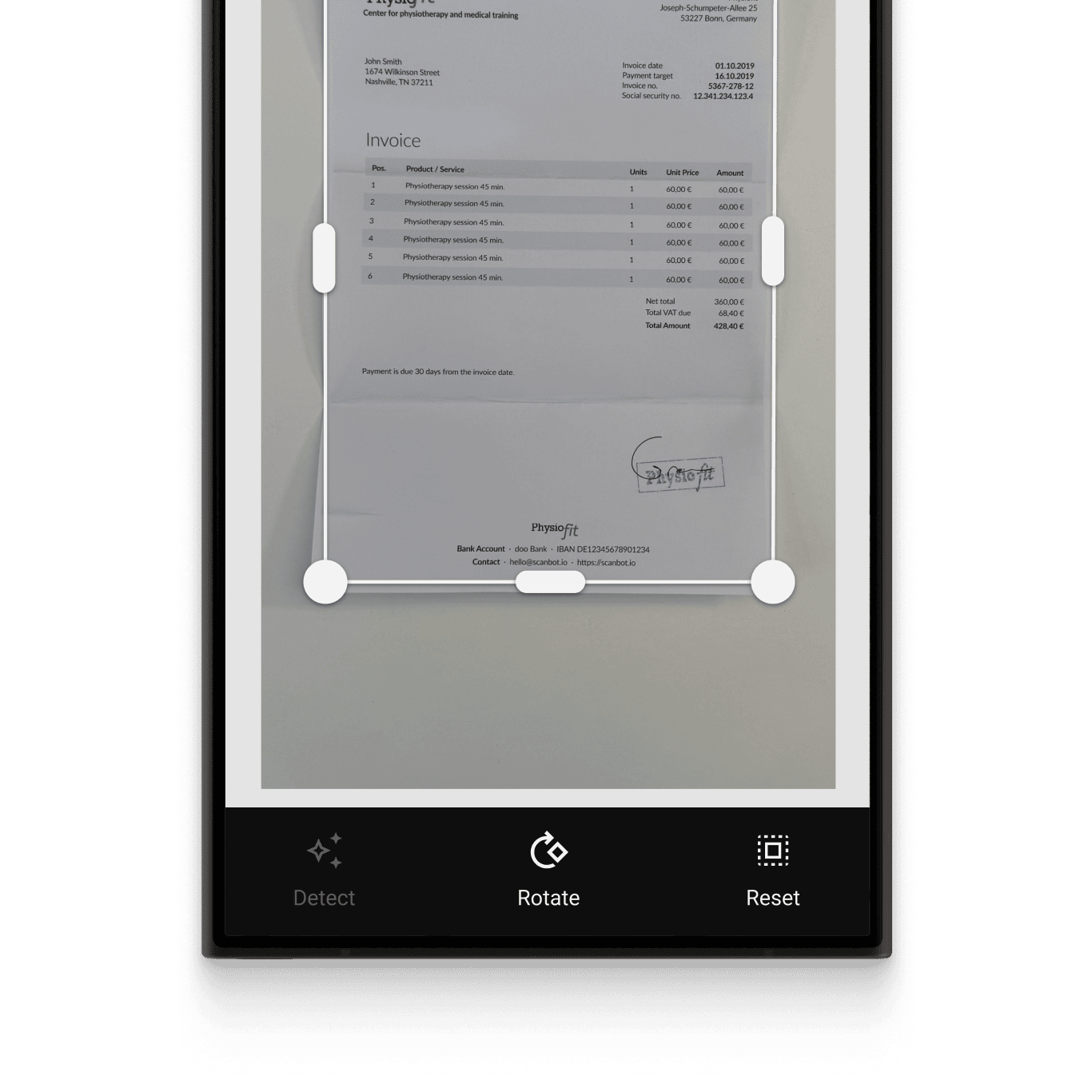
Automatic cropping: The SDK automatically straightens and crops scanned documents, ensuring high-quality document scan results.
-
Image filters: Every document scanning use case has specific image requirements. With the SDK’s custom filters, you can tailor the document scanning image output to your backend system. They include grayscale options, multiple binarizations, and other settings to optimize your document scanning for various document types.
-
Document Quality Analyzer: This feature automatically rates the quality of the scanned pages from “very poor” to “excellent.” If the quality is below a specified threshold, the SDK prompts the user to rescan.
-
Multiple export formats: The SDK supports several output formats for exporting digitized documents, like JPG, PDF, and TIFF. This ensures your downstream solutions receive the best format to store, print, or share the digitized document – or to process it further.
With the Ready-To-Use UI Components (RTU UI), you can integrate the SDK's scanning functionalities with only a few lines of code. This way, you can benefit from tried-and-true UX design and straightforward integration while still being able to customize the visual appearance to match your brand.
Visit our website for more information about our other products.
Requirements
Developer tools
- NodeJS 18+ & npm
- Capacitor CLI 6+
- For Android apps:
- Android Studio Jellyfish | 2023.1.1+
- Android SDK (API Level 22+), Platforms and Developer Tools
- Java SDK 17+
- Android Gradle Plugin 8.4.0+ or Kotlin Plugin applied
- For iOS apps:
- iOS 13+
- macOS with Xcode 15+
- Xcode Command Line Tools
- Homebrew
- Cocoapods
Mobile platforms
- Android 5.1 (API Level 22) and higher
- iOS 13 and higher
Please note:
- This Plugin and the Scanbot Barcode Scanner SDK are available only for Android and iOS
- We do not support rooted Android devices (custom ROMs)
- This Plugin does not work on other platforms like Windows Phone, Desktop or Web Apps
For a web solution please refer to our Web SDK.
Mobile devices
- Smartphones and tablets with a rear-facing camera with autofocus
- Supported CPUs and architectures:
- Android:
armeabi-v7a,arm64-v8a,x86,x86_64 - iOS:
arm64for physical devices andx86_64for simulators
- Android:
No internet connection required
The Scanbot SDK works completely offline. It does not even contain any networking code. This can easily be verified by routing all networking traffic coming from the app through a proxy.
All data generated by the Scanbot SDK is only stored on the end user's device and in absolutely no case ever transferred to a server or cloud service controlled by us. You have full control over how you upload the scans and data to your backend.
Simulators/emulators
While it is possible to test your app with the Scanbot SDK on simulators/emulators, we strongly recommend using real iOS/Android devices.
Depending on the emulated camera, you may not be able to test and evaluate the full functionality of the Scanbot SDK.
Get in touch
If you need further information or are interested in licensing the Scanbot SDK, please get in touch with our solution experts.
Want to scan longer than one minute?
Generate a free trial license to test the Scanbot SDK thoroughly.
Get free trial licenseScanbot SDK is part of the Apryse SDK product family
A mobile scan is just the start. With Apryse SDKs, you can expand mobile workflows into full cross‑platform document processing. Whether you need to edit PDFs, add secure digital signatures, or use a fast, customizable document viewer and editor, Apryse gives you the tools to build powerful features quickly.
Learn more
