RTU UI Acknowledge Screen
Overview
The Acknowledge Screen is designed to ensure the quality of captured images. The Document Quality Analyzer runs a thorough check on the captured image to determine its suitability.
You can set the minimum quality required using the following ratings:
Very PoorPoorReasonableGoodExcellent
You can also configure when the Acknowledge Screen should be shown using the following modes:
Bad Quality: The screen is shown only if the minimum quality criteria is not met.Always: The screen is shown after every capture, regardless of the image quality.None: The screen is never shown, even if the minimum quality criteria is not met.
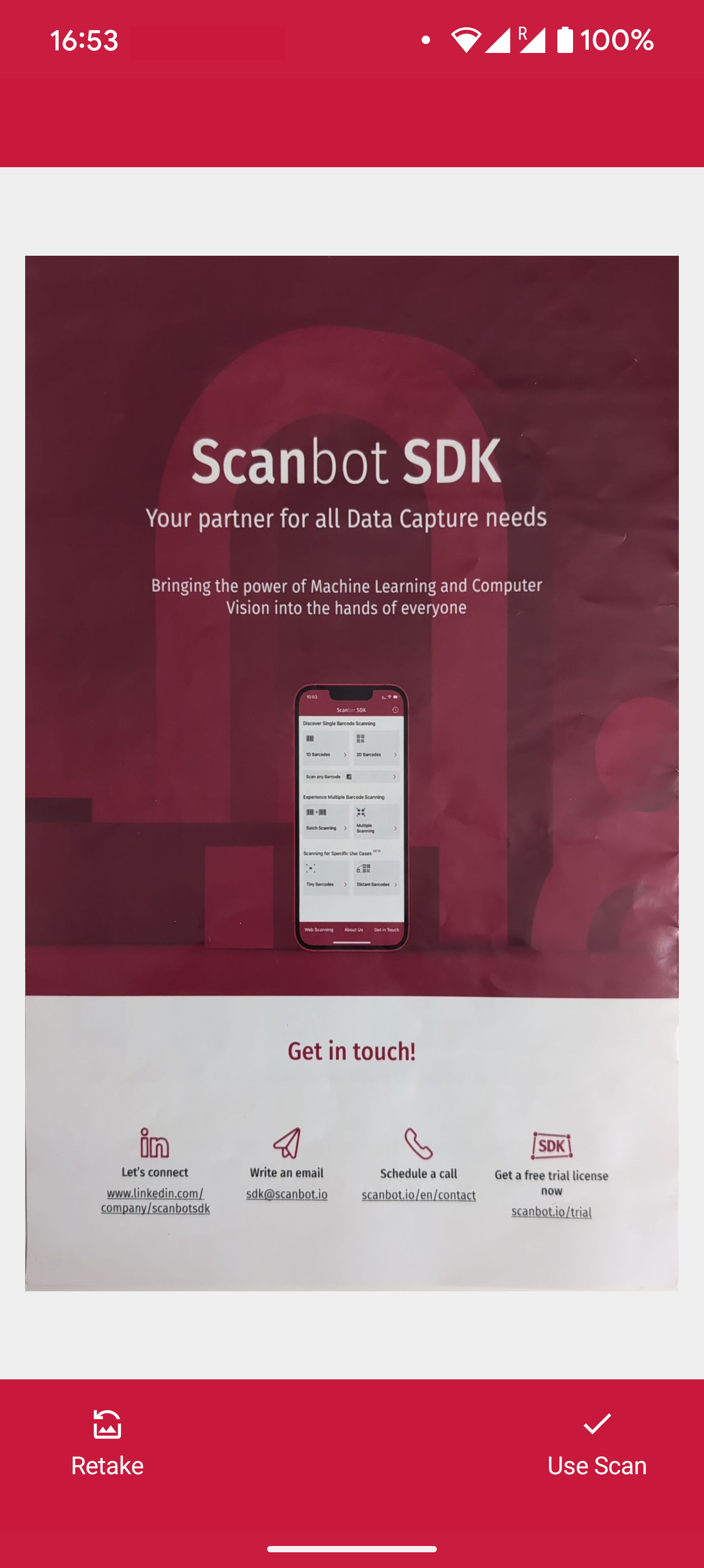
Example configuration of the Acknowledge Screen
Acknowledge Screen
loading...
Want to scan longer than one minute?
Generate a free trial license to test the Scanbot SDK thoroughly.
Get free trial licenseScanbot SDK is part of the Apryse SDK product family
A mobile scan is just the start. With Apryse SDKs, you can expand mobile workflows into full cross‑platform document processing. Whether you need to edit PDFs, add secure digital signatures, or use a fast, customizable document viewer and editor, Apryse gives you the tools to build powerful features quickly.
Learn more
