Changing the mode of the RTU UI's results sheet
Overview
The bottom sheet used to display previews of the scanned barcodes has two modes: COLLAPSED_SHEET and BUTTON. In COLLAPSED_SHEET mode, the bottom sheet is visible in a collapsed state and can be expanded by dragging up. In BUTTON mode, the button can show the overall barcode count.
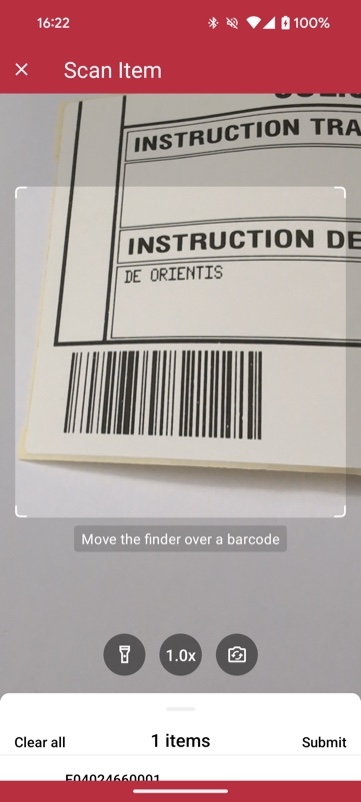
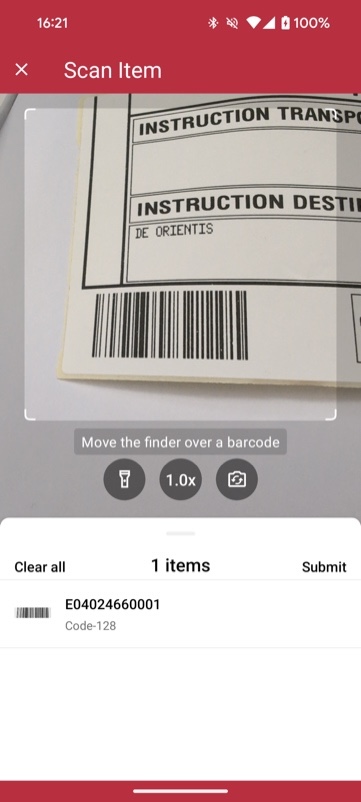
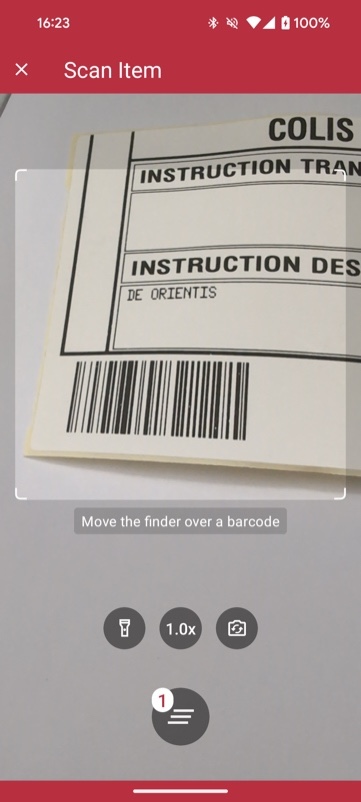
Example configuration of the results sheet
Sheet mode
loading...
Want to scan longer than one minute?
Generate a free trial license to test the Scanbot SDK thoroughly.
Get free trial licenseScanbot SDK is part of the Apryse SDK product family
A mobile scan is just the start. With Apryse SDKs, you can expand mobile workflows into full cross‑platform document processing. Whether you need to edit PDFs, add secure digital signatures, or use a fast, customizable document viewer and editor, Apryse gives you the tools to build powerful features quickly.
Learn more
